WhatsApp ordering
Customers message your WhatsApp number the way they always do: “2 butter naan aur ek paneer tikka”. Restro Grow matches it to your menu, shows the total, asks for the table or address, and puts the confirmed order into your orders.
Example chat, shortened
Why WhatsApp
Many regulars already send their order to your number. Then someone has to read each message, check prices, type it into billing and reply, and on a busy night messages get missed. Our guide on how to take orders on WhatsApp covers the manual way.
Restro Grow's WhatsApp ordering does the reading and typing for you. The customer chats, the order is checked against your live menu, and it lands in the same place as your table QR orders and website orders, with no commission. See everything Restro Grow does.
Type it any way
“Ek biryani aur 2 coke, kam spicy.” Restro Grow picks out the dishes, quantities and notes, matches them to your menu and shows the cart with the total.
Example chat
Prices from your menu
Only dishes on your live menu can be ordered, at your menu prices. Packing charge and GST are worked out by the same rules as your website, and the order goes through the same checks.
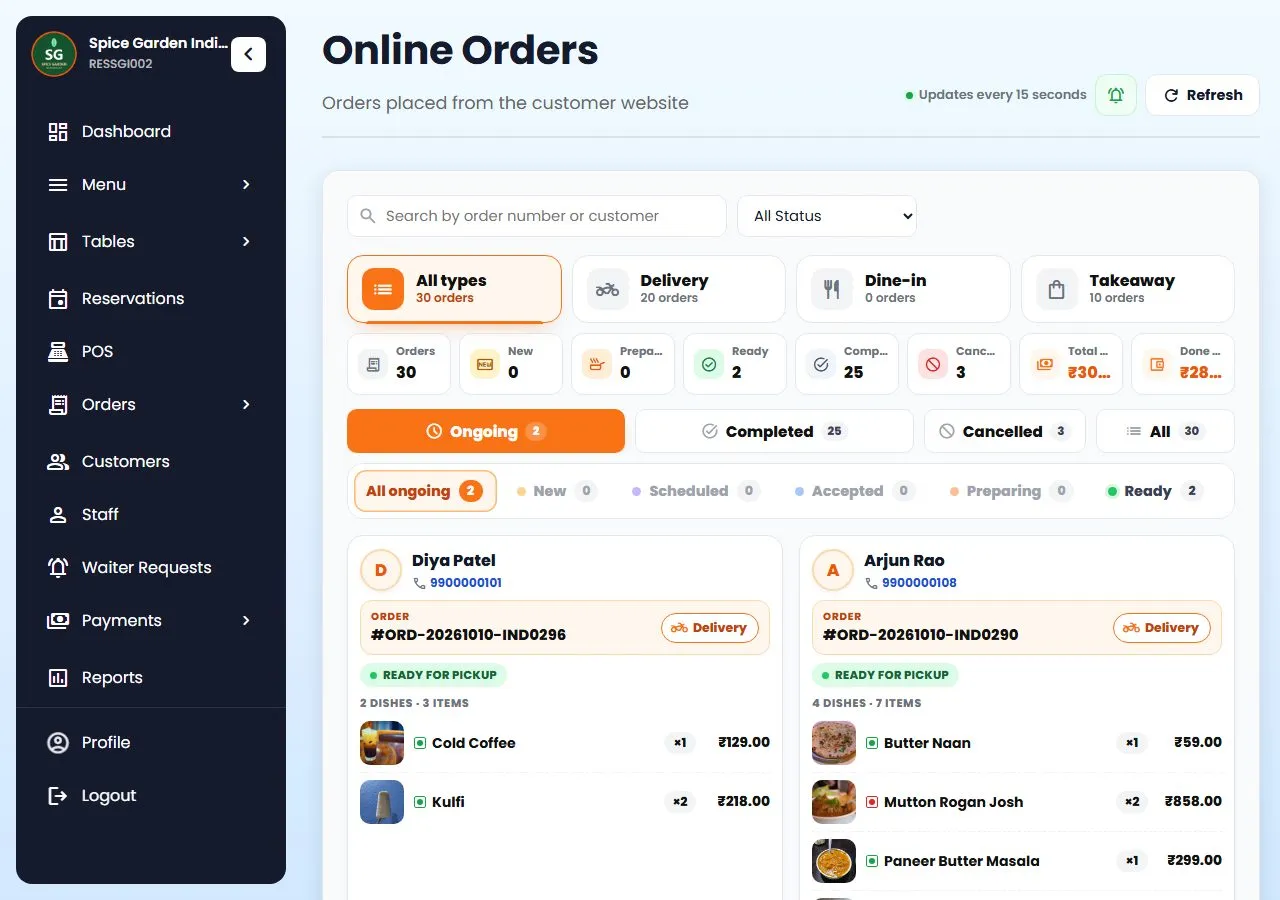
orders land here
After the order
A confirmed WhatsApp order arrives like a website order, marked as a WhatsApp order. Dine-in orders with a table go to the kitchen as a KOT straight away; takeaway and delivery orders wait in Orders for your staff to accept.
More on WhatsApp
All of this is in the product today.
If a customer asks for the manager or has a complaint, the bot steps back for two hours and you reply yourself from Customer chats.
A test chat in your dashboard talks to the real ordering bot, so you can check the replies before you switch it on.
Print a QR per table that opens the chat with the table number filled in. Or use table QR ordering on your website.
With a calling service connected, a caller you missed gets a WhatsApp from your number with your order link.
The same WhatsApp number sends loyalty gifts, birthday treats and campaigns. See Loyalty & Growth.
WhatsApp orders go through your own Restro Grow ordering, so there is no commission on them.
How it works
In Growth › WhatsApp, connect your number through Repeat Grow, our WhatsApp CRM.
Pick the order types you take (dine-in, takeaway, delivery), write a greeting, and try it in the test chat.
Share your “Order on WhatsApp” link with customers and print the table QR codes.
Stuck on a step? Call or WhatsApp +91 63775 68749 and we'll set it up with you.
Questions
Something else? Message us on WhatsApp and talk to a person.
Chat on WhatsAppNo. They message your WhatsApp number like any other chat.
A Restro Grow account and a WhatsApp number connected through Repeat Grow, our WhatsApp CRM, in Growth › WhatsApp. We can help you connect it: call or WhatsApp +91 63775 68749.
Yes. Customers can write in English, Hindi or Hinglish, like “do butter naan aur ek paneer tikka”. If a word doesn't match a dish, it asks “did you mean…?” instead of guessing.
Not yet. WhatsApp orders are paid on delivery, at pickup or at the table. Customers who want to pay online can order on your ordering website instead.
Before anything is placed, the customer sees the full order with the total and taps Confirm or Change. Only dishes on your menu, at your menu prices, can be ordered.
Yes. When a customer asks for a person, the bot goes quiet and the chat is marked for you in Customer chats, where you can reply. Typing “order” starts the bot again.
Yes. It arrives with a new-order alert like a website order. Dine-in orders with a table go to the kitchen as a KOT straight away; takeaway and delivery orders go ahead once your staff accept them. The customer gets status updates on WhatsApp.
Keep reading
Connect your number, switch on ordering and share the link today.
7-day free trial on every plan. No credit card needed, cancel anytime, set up in about 5 minutes. See plans and pricing.