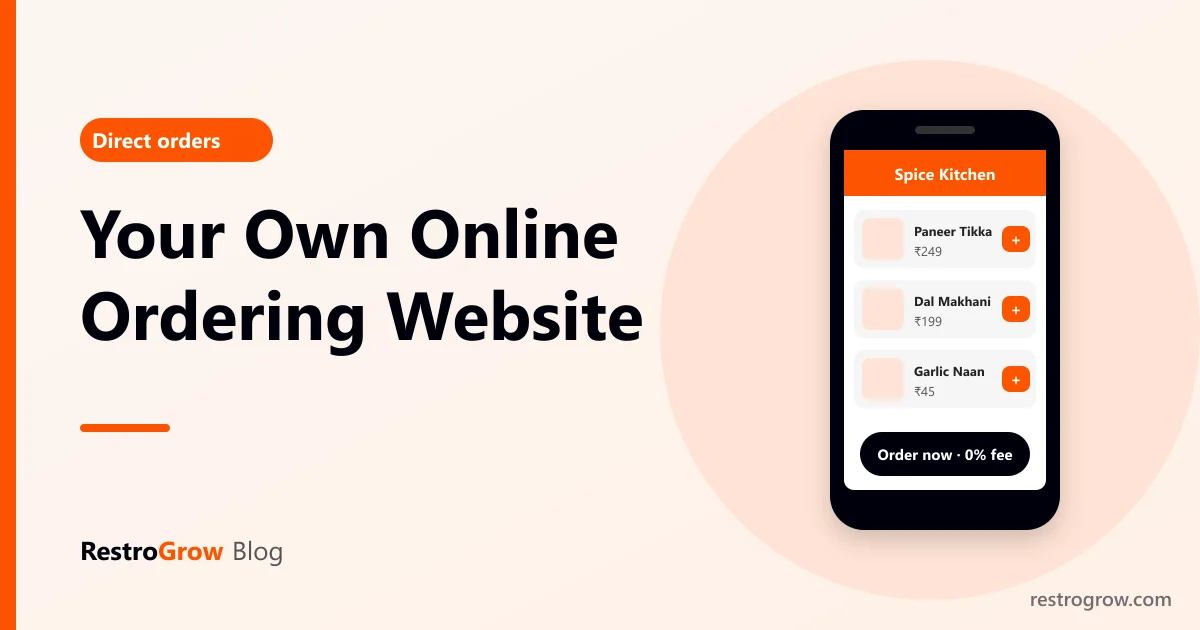
An online ordering website for restaurants lets customers order food directly from you, with no delivery-app commission on the order. You list your menu, the customer pays online or on delivery, and the order goes straight to your kitchen. You still pay for the software and payment gateway, but not a share of every bill.
Delivery apps are good at bringing new customers. Your own website is where your regulars should order. This guide covers what a good ordering website needs, the ways to get one, and how to make people actually use it.
01What an online ordering website for restaurants needs
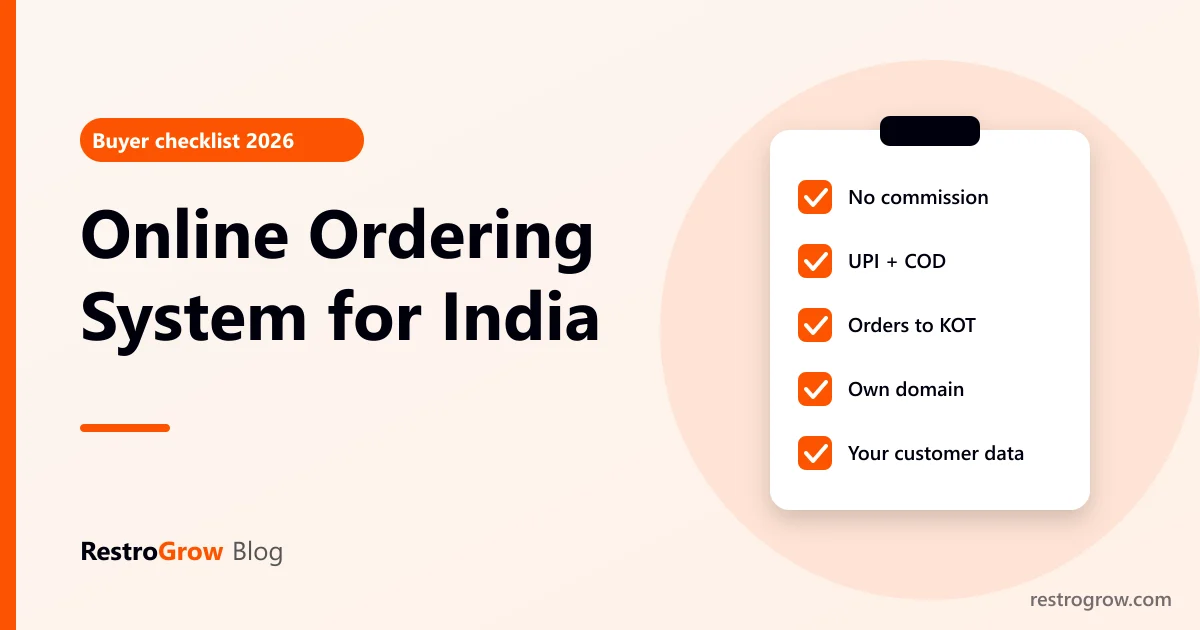
- Your full menu with photos and prices, including sizes (half/full), add-ons and veg/non-veg marks.
- Delivery, takeaway and dine-in, with your delivery area and minimum order.
- Online payment and cash on delivery: UPI, cards and wallets through a payment gateway, plus COD if you want it.
- Orders straight to the kitchen: the order should create a KOT automatically, not wait for someone to re-type it.
- Order updates for the customer: accepted, being prepared, out for delivery.
- Works perfectly on mobile: almost all food orders in India come from phones.
- Your own brand: your name, logo and ideally your own web address.
- Customer data you own: names and numbers you can use for offers and loyalty.
02Three ways to get one
| Build it yourself | Hire a developer | Restaurant ordering software | |
|---|---|---|---|
| Time to go live | Weeks | 1–3 months | A day or two |
| Payments and KOT | Plugins, often patchy | Custom work | Built in |
| Upkeep | You | Paid maintenance | Handled for you |
| Best for | Hobby projects | Large chains with special needs | Most restaurants, cafes and cloud kitchens |
For most restaurants, ordering software is the practical choice: the website, payments, kitchen orders and customer list work together from day one.
03Setting it up, step by step
- Add your menu with categories, photos, prices and item options.
- Set order types and timings: delivery area, minimum order, delivery charge, opening hours.
- Connect online payments so money reaches your bank account, and decide whether to allow COD.
- Connect the kitchen: orders should print a KOT or show on the kitchen screen. See how KOTs work.
- Plan delivery: your own riders for nearby orders, or a delivery partner for longer distances.
- Use your own domain (for example yourrestaurant.in) so customers remember it.
- Place test orders, including a COD order and an online payment, before you tell customers.
04Getting customers to order direct
A website nobody visits earns nothing. These are the steps that move regulars:
- Parcel inserts in every delivery-app order: "Order direct next time and get a free dessert", with a QR code.
- Table QR codes for dine-in guests, so their first direct order happens at your table. See how to make a QR menu.
- A first-order reward that is better than the app's discount.
- Loyalty points only on direct orders.
- WhatsApp: share your ordering link and take orders in chat. See taking orders on WhatsApp.
- Google Business Profile: add your ordering link as the order button (Google Business Profile help).
Keep listing on the apps. Use them to find new customers, and your website to keep them.
05How RestroGrow does it
Every RestroGrow restaurant gets its own ordering website, with online payments, cash on delivery and UPI, orders that go straight to the kitchen with a KOT, table QR ordering, WhatsApp ordering, coupons, a loyalty programme and a customer wallet. You can use your own domain, embed the ordering menu on an existing website, and run your own riders with a simple rider page. The same system handles billing at the counter, so online and in-store orders sit in one place. Try the app demo to see it.
FAQ
Is my own ordering website really commission-free?
There is no commission per order to a delivery app. You still pay for the software subscription and the payment gateway's fee on online payments.
Should I leave Zomato and Swiggy?
Usually not. Keep them for new customers and move your regulars to direct ordering. See what Zomato commission really costs.
Can I use my own domain name?
Yes, with most ordering software. A short domain like yourrestaurant.in is easier to remember and print on packaging.
Who delivers the food?
Your own riders for nearby orders, or a delivery partner service. Many restaurants mix both.
Summary
An own ordering website gives you commission-free orders, your own customer list and your own brand. Get one through restaurant ordering software, connect payments and the kitchen, then move regulars with parcel inserts, QR codes, a first-order reward and loyalty.
On this page
- 1What an online ordering website for restaurants needs
- 2Three ways to get one
- 3Setting it up, step by step
- 4Getting customers to order direct
- 5How RestroGrow does it
- 6FAQ
- 7Summary
Billing, KOT, QR menu and WhatsApp marketing for your restaurant.
Start free trial