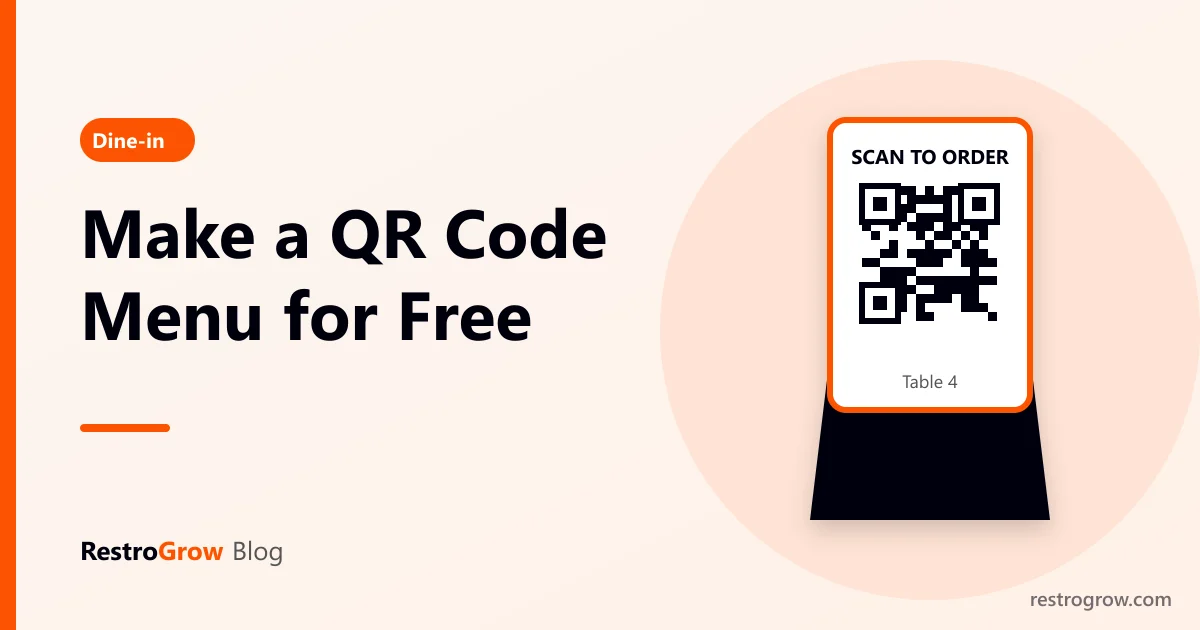
To make a QR code menu for restaurant tables, put your menu online (a PDF or a menu web page), copy its link, turn the link into a QR code with a free generator, and print it on every table. The free method takes about 15 minutes. A menu web page that guests can also order from takes a little longer to set up, but it does much more for your restaurant.
Here are both ways, step by step, and how to choose.
01The free method: a QR code menu for restaurant tables
- Make the menu file. Design it in Canva or Word, or take your printed menu file from the designer. Save it as a PDF. Keep it under 5 MB so it opens quickly on mobile data.
- Put it online. Upload the PDF to Google Drive, set sharing to "Anyone with the link can view" (see Google Drive sharing help), and copy the link.
- Make the QR code. Paste the link into any free QR code generator and download the QR as a PNG or SVG. Use a "static" QR code: it never expires and needs no account.
- Test it on two or three phones, on mobile data, not your restaurant Wi-Fi.
- Print it on a table card or standee with a line like "Scan to see our menu".
Tip: some free generators make "dynamic" QR codes that stop working after a trial period. If the site asks you to sign up, choose the static option, or your printed QR codes may stop working later.
02Why PDF menus frustrate guests
- Pinch and zoom: a menu designed for A4 paper is hard to read on a phone.
- Slow to open: large PDFs on Drive can take several seconds on a weak signal.
- Old prices: every change means a new PDF, and many restaurants forget to update it.
- No ordering: the guest still has to wave for a waiter, and you learn nothing about who visited.
A PDF is fine for a small cafe with a short menu that rarely changes. For anything bigger, a mobile menu page works better.
03Menu-only QR vs ordering QR
| Menu-only QR | Ordering QR | |
|---|---|---|
| What the guest does | Reads the menu | Reads, picks dishes and sends the order |
| Table number | Waiter writes it | Comes from the QR automatically |
| Price changes | New PDF or page edit | Change once in your software |
| Kitchen order | Waiter makes the KOT | KOT is created from the order |
| Guest contact | Not captured | Phone number captured for offers and loyalty |
| Cost | Free | Part of your restaurant software |
If the order goes straight to the kitchen, you need a clear KOT system so dishes are not missed.
04Printing table QR codes and standees
- Size: keep the QR at least 3 × 3 cm; a 4 × 6 inch standee is a common size and easy to read from a chair.
- One QR per table if you want orders tagged with the table number.
- Add a line of text: "Scan to see the menu and order". Many guests do not scan a QR without being told why.
- Use matte lamination so light from the ceiling does not reflect off the code.
- Put your logo in the middle only if the generator supports it, and test again after adding it.
05How table QR ordering works in RestroGrow
In RestroGrow, every restaurant gets its own menu website. Go to Dashboard › Tables › QR Code to download a QR for every table at once. When a guest scans it, the menu opens with the table already chosen, they order from their phone, and the order arrives tagged with the table number. Guests can also tap Call waiter for the bill, water or cutlery.
The QR standee designer (Dashboard › Tables) lets you design and print 4 × 6 inch standees with your logo, colours and text, so you don't need a designer. Prices change in one place and the menu updates everywhere.
FAQ
Can I make a QR code menu for free?
Yes. Upload a PDF of your menu to Google Drive, set it to "anyone with the link can view", and turn the link into a static QR code with a free generator. It costs nothing.
Do QR code menus expire?
Static QR codes never expire. Some "dynamic" QR codes from free trial websites stop working when the trial ends, so avoid those for printed menus.
Should I still keep printed menus?
Yes, keep a few. Some guests, especially older ones, prefer paper, and phones run out of battery.
Can guests order and pay through the QR?
Yes, with restaurant software that supports QR ordering. The order goes to your system with the table number, and payment can be online or at the counter.
Summary
A free QR menu is a PDF on Google Drive plus a static QR code: quick, but hard to read and with no ordering. A mobile menu page with table QR codes reads better, keeps prices current, sends orders straight to the kitchen and captures guest numbers. Start free if you are small; move to table ordering when waiters can't keep up.
On this page
- 1The free method: a QR code menu for restaurant tables
- 2Why PDF menus frustrate guests
- 3Menu-only QR vs ordering QR
- 4Printing table QR codes and standees
- 5How table QR ordering works in RestroGrow
- 6FAQ
- 7Summary
Billing, KOT, QR menu and WhatsApp marketing for your restaurant.
Start free trial